
How I Fell In Love With Terraria Mods Again in 2026
Terraria mods overhaul UI with retro health bars and unlock player-made Silent Hill 2 and Zelda adventure maps, breathing new life into the sandbox.
I remember booting up Terraria back in 2016, thinking I’d seen everything this 2D sandbox could offer. Fast forward ten years to 2026, and I’m still here — but this time, I’m not just mining and building. I’ve tumbled headfirst into the wonderful world of mods, and let me tell you, it’s a whole new game.
The base game already packs a ridiculous amount of content, especially after that final Journey Mode update years ago. But we players always want just a little more control over our experience. And that’s where the modding community swoops in like a superhero. Steam Workshop support arrived a while back, and it’s made installing texture packs, new NPCs, visual tweaks, and custom soundtracks so brainlessly simple that even someone who breaks technology by looking at it can manage.
Today, my Terraria adventure has become a patchwork of creativity, and I want to share the mods that kept me up until 3 AM last night.
Customizing Your HUD and Health Bars — Because Vanilla Gets Boring
Let's be real: the default Terraria interface works, but it’s not exactly stylish. I spent hundreds of hours staring at the same health and mana bars until I stumbled onto the UI and HUD mod scene. Oh boy, did my eyes thank me.
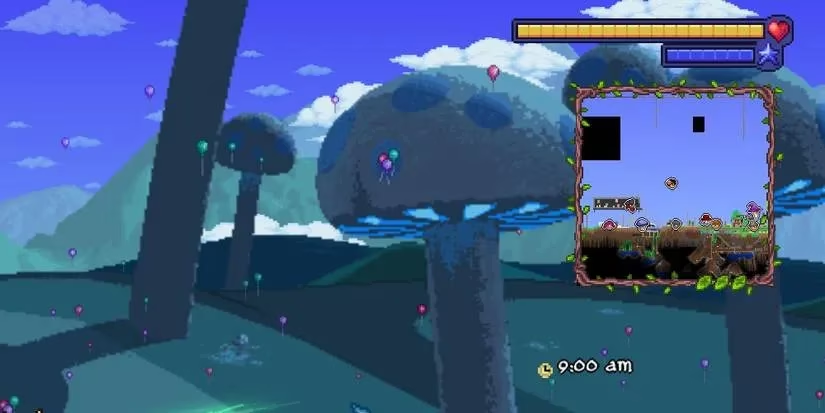
You can now slap on a retro-styled health bar that makes you feel like you’re playing a classic RPG. Or, if you prefer to theme your entire interface around the Corruption or Crimson biomes, there are mods for that too. One of my favorites gives you stat bars crafted from Luminite fragments, shimmering like endgame gear. The community has cooked up dark mode inventories, clean UI overhauls, and even sleek black-and-purple health bars. It’s amazing how a tiny visual shift can breathe fresh life into a game I’ve played for years.
On my latest playthrough, I’m using a combination of “Retro Health,” “Dark Mode UI,” and “Clean UI” from the Steam Workshop. My screen looks so crisp I almost forget I’m in a pixelated world.
Adventure Maps: Where Imagination Takes the Wheel
I’ve always been a builder at heart, so when I discovered that people were creating entire adventure maps and sharing them, I lost my mind. There aren’t any official quest mods, but who needs them when creative folks remake Silent Hill 2 inside Terraria?
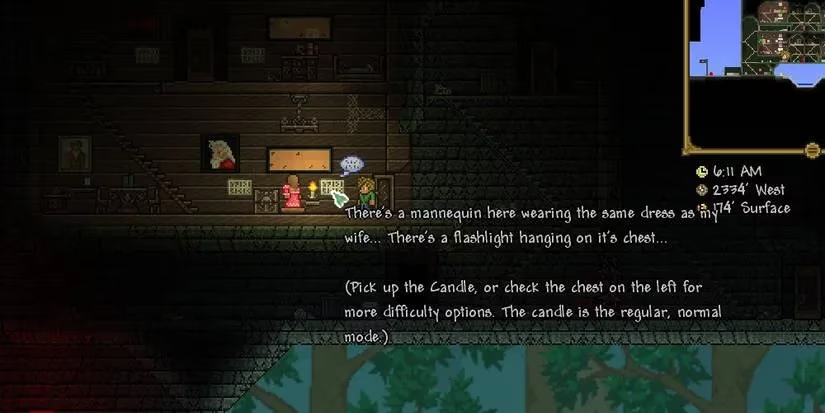
I downloaded the Silent Hill 2 remake world and suddenly found myself wandering as James, clutching a copper sword like a pocket knife. Beds act as checkpoints, and torches barely hold back the darkness. Multiple endings, creepy atmosphere — it’s a genuine survival horror treat. Then there’s the Legend of Zelda-inspired map where you tackle traps and enemies with up to four friends, slowly leveling up. And if you want a truly weird boss fight, you can face Sans from Undertale in your own Terraria world.
These adventure maps remind me that Terraria isn’t just a sandbox; it’s a stage for storytelling. I’d love to see more of these hidden gems getting the spotlight they deserve.
When Terraria Meets Minecraft: A Texture Pack Overhaul
I gotta say, the first time I loaded the Minecraft resource pack by Melster, I did a double take. Every single texture, from dirt blocks to NPCs, looks like vanilla Minecraft. Villagers greet you in place of your regular townsfolk, and with optional add-ons, you can even get the iconic music and sound effects.
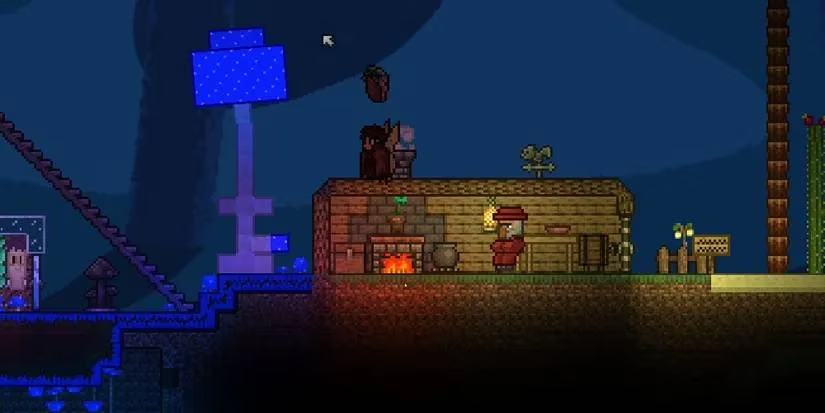
It’s trippy, but in the best way. The creator keeps releasing stand-alone pieces, and I’m holding out hope for a single massive overhaul that brings every Minecraft element into Terraria. This kind of crossover makes me giddy, and it’s proof that texture packs can completely transform your experience without touching gameplay mechanics.
Tweaking Fonts and Music for Maximum Vibe
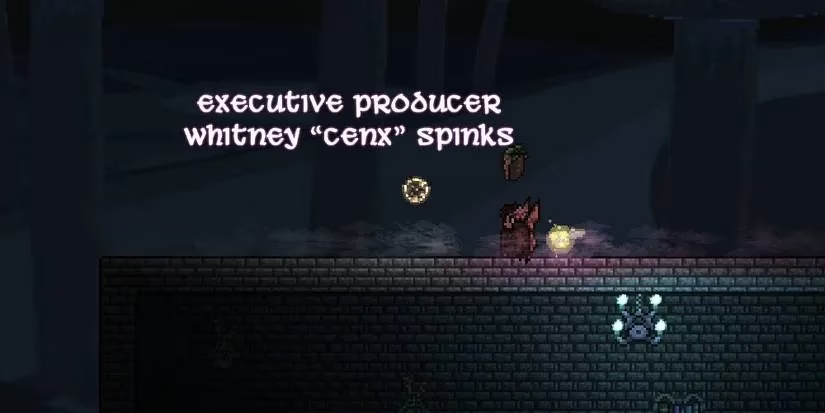
Here’s a small thing that made a huge difference: fonts. The default Terraria font has that charming hand-drawn vibe, but after a while, I found it a strain to read. A community hero on the Terraria forums compiled 14 custom fonts, ranging from elegant gothic to ultra-clean sans-serif. Now my inventory labels look like they belong in a polished UI design magazine.
And then there’s the music. Terraria’s original soundtrack is a masterpiece, no question. But sometimes I want to mine blocks to the tune of Hollow Knight’s haunting melodies or doom-slay demons while DOOM Eternal riffs shred in the background. Steam Workshop has music packs for all of that — JoJo’s Bizarre Adventure, Night in the Woods, you name it. It feels like having a DJ for my adventures, and I never have to alt-tab to change a playlist.
How to Install These Mods Without Losing Your Sanity
Okay, installation can be a little intimidating, but I promise it’s gotten way easier. There are basically three routes, and I’ll walk you through them.
The Steam Workshop is the simplest. Just open Steam, head to the Terraria Workshop, find a mod you like, and hit Subscribe. Next time you launch the game, open the Workshop hub, go to “Use Resource Packs,” and activate the mod. Boom, done.
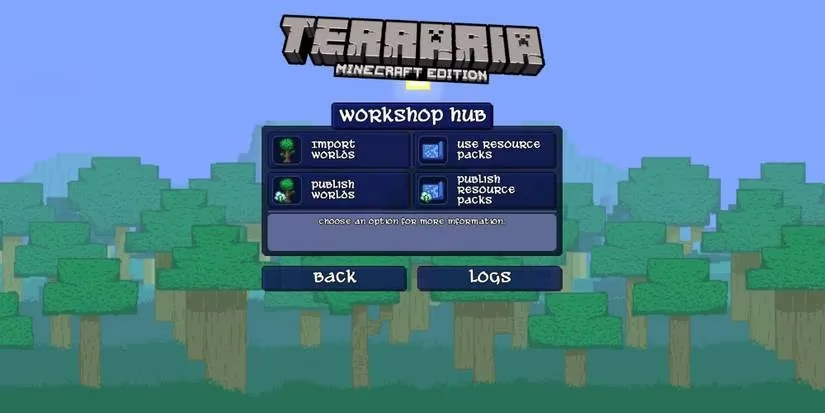
Before Workshop support, we had to manually place files into the texture pack folder, and you can still do that with mods from Nexus Mods or the official Terraria forums. The forums can be a maze — you need to navigate to PC > Player-Created Game Enhancements > Texture Packs > Released. Digging through threads feels nostalgic but requires patience. Once you download a mod, extract it into the resource pack folder and activate in-game.
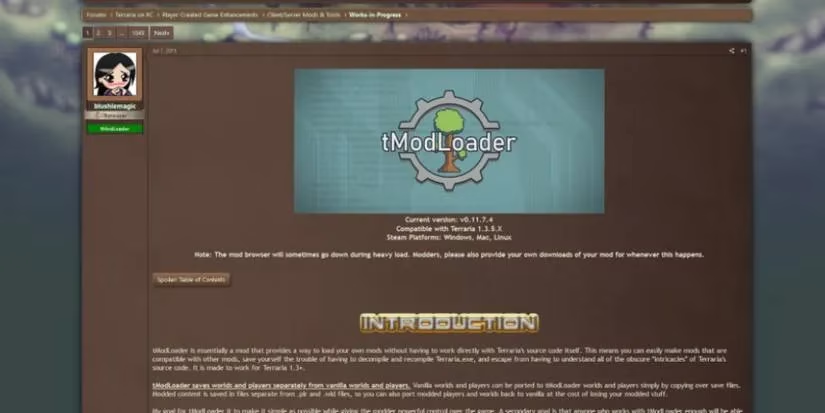
Then there’s tModLoader, the heavy artillery. Many large-scale mods need this separate loader. You can grab it from Steam (search “tModLoader”) or from the official site. After installation, it adds a “Mods Browser” right inside the game menu, meaning you can search, download, and enable mods without ever opening a folder. The catch? Anyone you play with must also have tModLoader, and you need to move your player and world files into the tModLoader folders. Still, it’s worth it for the sheer variety.
I personally keep both Workshop and tModLoader mods running, because switching between them is just a matter of launch options now. If you’re new, start with the Workshop. It’s practically foolproof.
And that’s the beauty of Terraria in 2026. This game never gets old because we, the players, keep it young. Every new mod, every fresh texture pack, is a love letter to a world we’ve poured thousands of hours into. So go on, install something weird tonight. I did, and I regret nothing — except maybe the lost sleep.